

Buying and Managing Your License
Everything about your license on one page: Buy · Renew · Move to another account or VPS · Buying here vs on MQL5
Buy a license
- On the strategy page, press Buy
- Choose 3, 6 or 12 months, or lifetime, or lifetime
- Enter your name and email, tick to accept the terms, and press Continue to payment
- Choose a payment method, PromptPay (one-time) or card (auto-renew; a lifetime license is charged once), and pay within 10 minutes (how to pay)
Your License Key appears on screen and arrives by email right away. Next: install the bot and add your key.
- Not sure yet? Try the full bot free first. Payments are final (refund policy).
- Asked for the backtest file before? Use the same email, so your files and licenses stay in one place.
How your License Key works
- One key runs one MT5 account at a time, with any broker or VPS. Move it as often as you like.
- Renewing keeps the same key, so there's nothing to change in MT5.
- PromptPay is never charged automatically. We email you 7 days and 1 day before it ends. If you don't renew, it simply ends.
- Auto-renew (optional): choose card as the payment method and we charge the same card the plan's normal price 1 day before the end, with an email 7 days ahead. Turn it off any time in My licenses.
- Updates are free while your license is active.\n- Lifetime license: paid once, never expires, nothing to renew, every version of that bot included (Terms)
- Lifetime license: paid once, never expires, nothing to renew, every version of that bot included (Terms)
My licenses
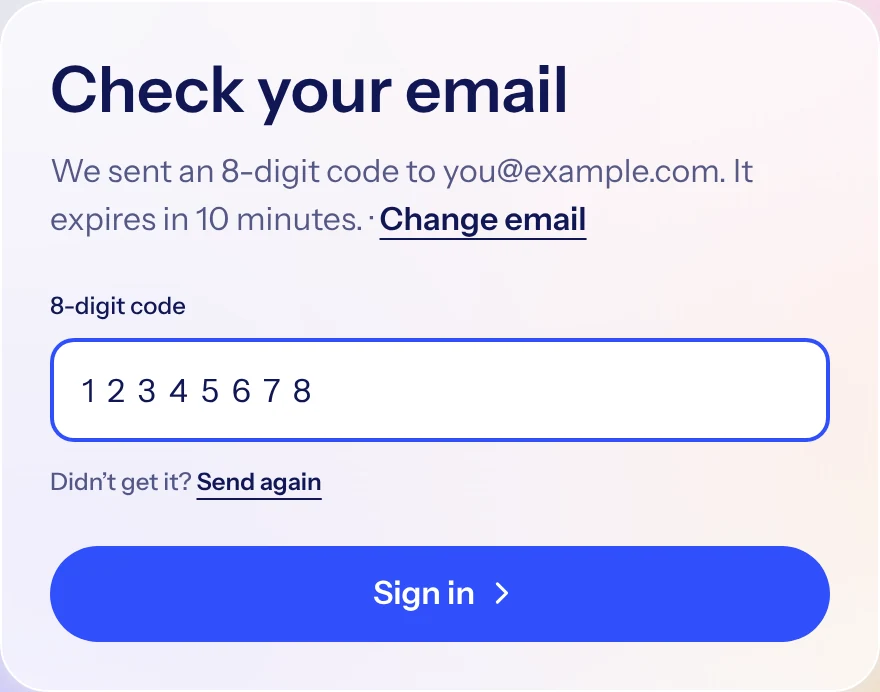
My licenses is where your keys live. Sign in with your email (we send an 8-digit code, no password to remember). You'll find:
- your key, with a Copy button
- the MT5 account it's running on, and the expiry date
- Renew and Deactivate buttons
- the Downloads tab: the latest bot and preset files
Lost your key? Sign in to My licenses with your email: it's there.
Check the bot is still running
On the cloudpips.io version you can check without opening the VPS: if the bot's card on My licenses shows Running and a recent Last seen, the bot is working.
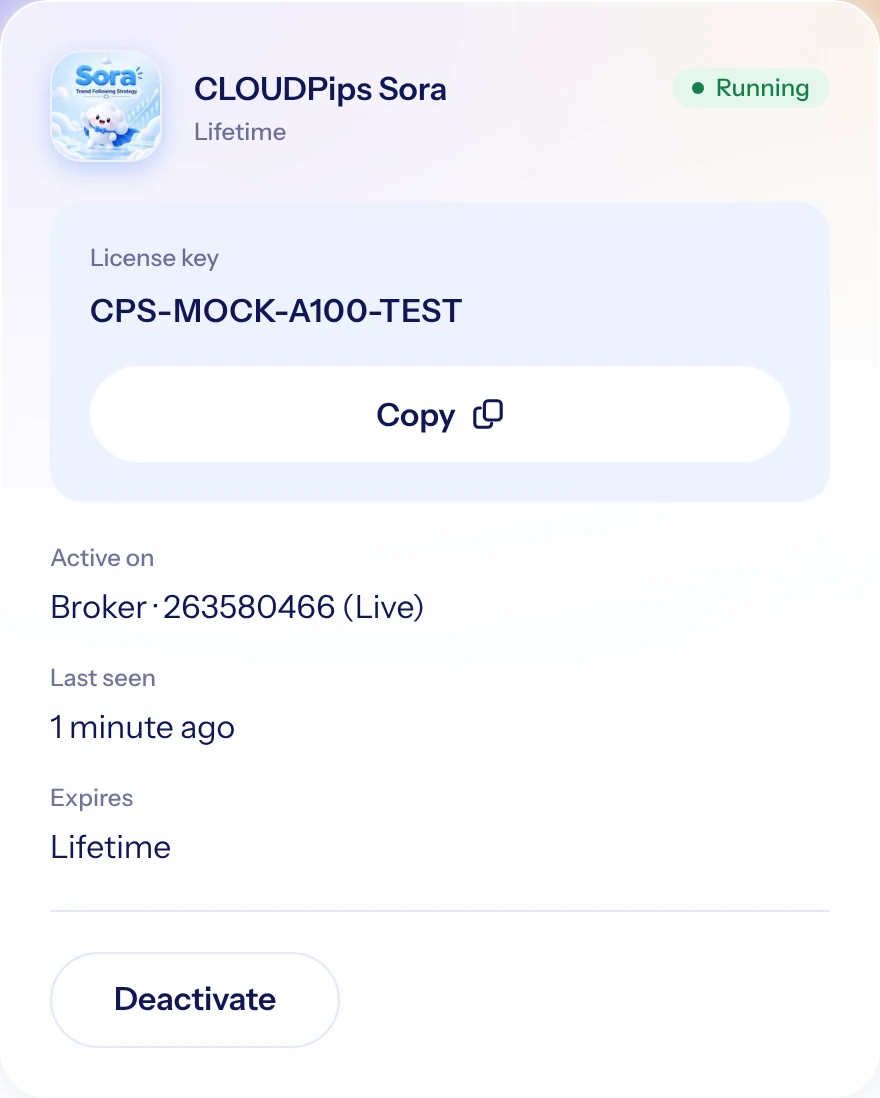
If Last seen is unusually long ago, open the VPS and check that MT5 is still open and Algo Trading is still green (Check that the VPS is working).
Renew
In My licenses, press Renew
Choose a period and a payment method, then pay (how to pay)
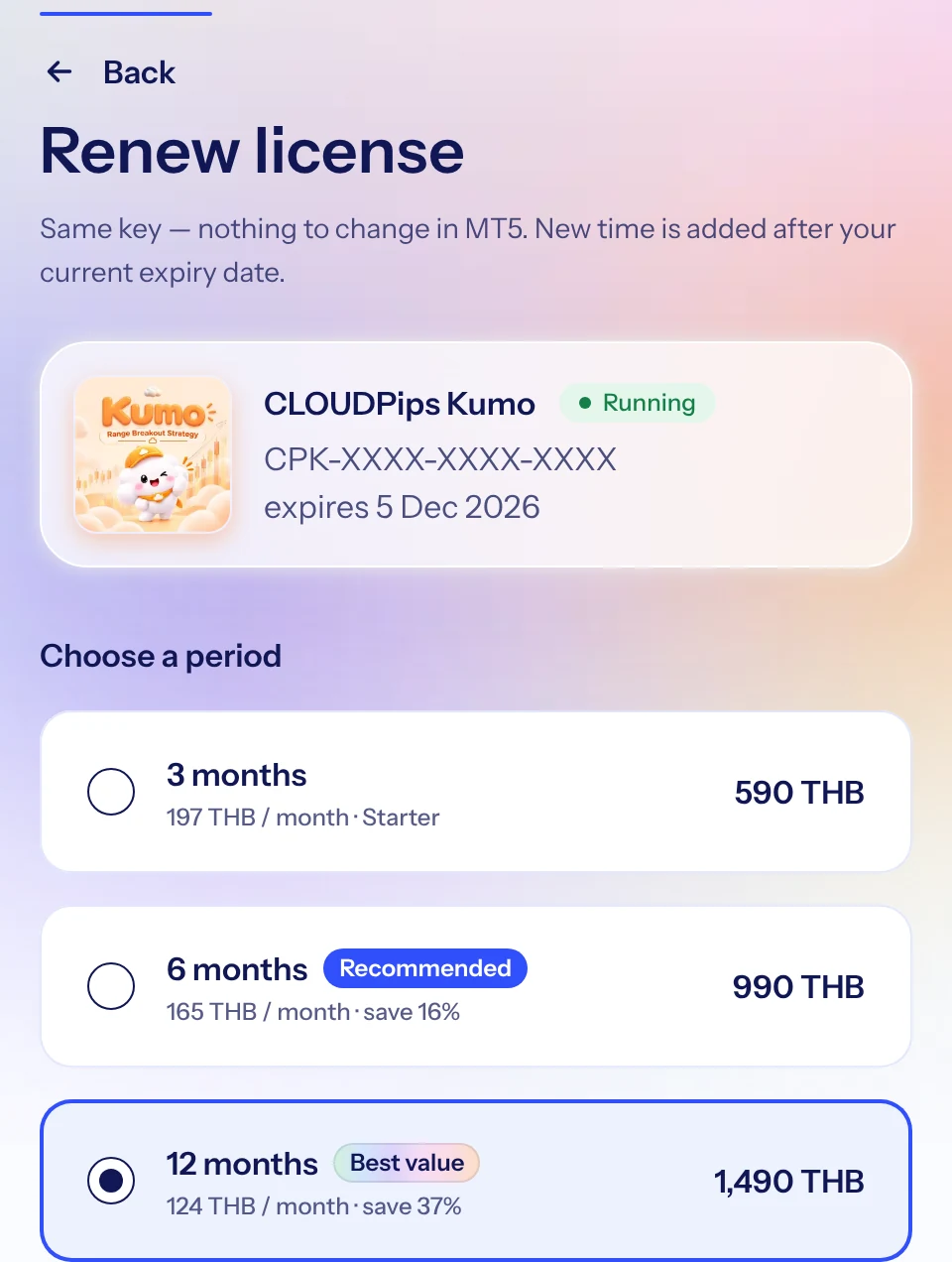
The new time is added after your current end date (or from the day you pay, if it had already ended). You keep the same key, so there's nothing to change in MT5. If the license had ended, the bot starts trading again on its own within 10 minutes.
Move to another account or VPS
- Close any open trades on the old account first
- Remove the EA from the chart on the old account. The key is freed at once
- Attach the EA on the new account or VPS
Can't reach the old machine? Press Deactivate in My licenses, then press CHECK LICENSE on the bot's panel on the new machine. If the old machine is down or offline, the key is released by itself after 30 minutes.
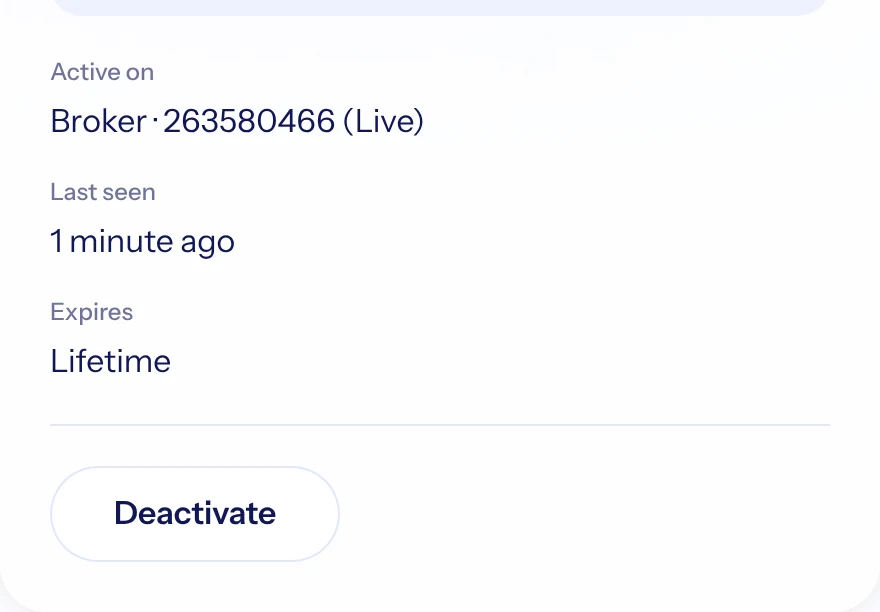
Same account, just a new VPS? Start the bot on the new machine: it takes over on its own.
Buying here vs on MQL5
The strategy and presets are the same either way.
| Buy on cloudpips.io | Buy outright on the MQL5 Market | |
|---|---|---|
| Payment | A 3, 6 or 12-month license, or lifetime (paid once), in Thai baht, by card or PromptPay | Once, in USD, by card or MQL5 balance |
| Best for | Starting with a small amount, or paying once in baht (lifetime) | Several computers at once, paying in USD |
| License | Tied to a License Key: 1 MT5 account per license | No license: unlimited MT5 accounts |
| Accounts and machines | One account at a time, move it freely | 10 computers; a new computer or VPS (or a Windows reinstall) uses one, and they don't come back |
| Updates | Download from My licenses | Automatic through MQL5 |
| Support | CLOUDPips team, 24/5 | CLOUDPips team, 24/5 |
Prices for both are on each strategy page.
Next step
Updated 16 November 2026
Still stuck? Email us at support@cloudpips.io or message LINE @cloudpipsfx and we'll help you sort it out.